
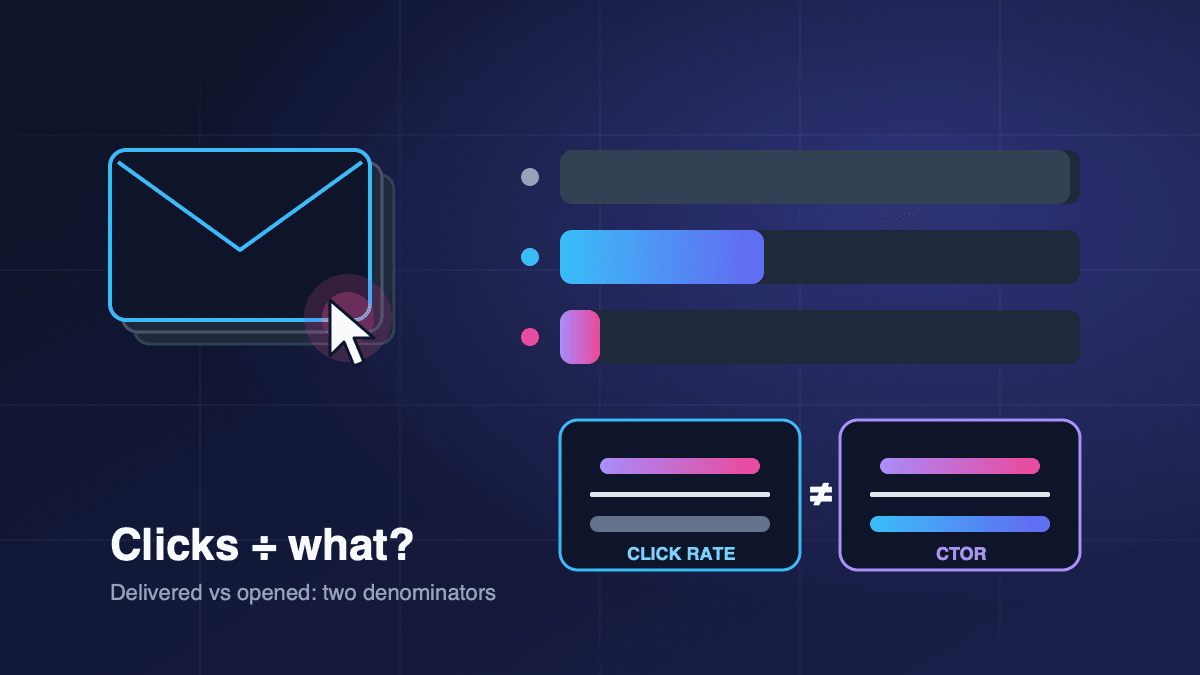
Click rate and click-through rate usually describe the same thing in email: the share of delivered emails that got at least one click. The metric people actually confuse them with is click-to-open rate (CTOR), which divides clicks by opens instead of by deliveries. Pick the wrong one and you can "improve" a campaign on paper while fewer people actually click.
If you have ever compared two email reports and found that one tool shows a 3% click rate while a spreadsheet from your agency shows 18%, you have probably met this problem. Nobody made a mistake with the clicks. The two numbers simply use different denominators. This guide explains what each metric measures, how the main platforms define them, why bots and privacy features distort them, and which one to use for each decision you make.
The short answer
- Click rate = recipients who clicked at least once ÷ emails delivered × 100.
- Click-through rate (CTR) in email is normally the same calculation. Mailchimp's own guide says click rate and click-through rate "are often used interchangeably, and are technically the same metric."
- Click-to-open rate (CTOR), also called clicks per unique opens = unique clicks ÷ unique opens × 100. It tells you how persuasive the content was for people who opened.
- Use click rate to compare campaigns and judge list health. Use CTOR only to compare content and layout on emails with similar open behaviour, and treat it carefully because open data is now noisy.
Why the names get mixed up
The confusion comes from web advertising. In search and display ads, click-through rate means clicks divided by impressions. Email borrowed the name, but an email "impression" is fuzzy. Some tools treat a delivered email as the impression, which gives you the standard click rate. Others treat an opened email as the impression, which turns "CTR" into what is really CTOR.
Platforms are not fully consistent either. Mailchimp's help centre defines click rate as the percentage of delivered emails that registered at least one click, and reports clicks per unique opens separately. Other tools, agencies and dashboards label one of these numbers "CTR" without saying which denominator they used. Before you compare any two reports, ask one question: clicks divided by what?
A worked example
Here is one campaign, measured three ways. The figures are illustrative, chosen to make the arithmetic easy.
- Emails sent: 10,000
- Delivered (after bounces): 9,800
- Unique opens recorded: 3,920
- Unique clickers: 294
- Total clicks, including repeat clicks: 410
- Click rate / CTR = 294 ÷ 9,800 = 3.0%
- CTOR = 294 ÷ 3,920 = 7.5%
- Total-click rate = 410 ÷ 9,800 = 4.2% (rarely useful, because one enthusiastic reader can inflate it)
Same campaign, same 294 people, three different percentages. If one report says 3% and another says 7.5%, they can both be correct.
Two details matter in the arithmetic. First, use delivered, not sent, as the base for click rate, so bounces do not drag the number down. Second, use unique clickers for rates. Total clicks are useful for link-level analysis ("which button got clicked most"), not for judging the campaign.
How CTOR can mislead you
CTOR looks attractive because it is a bigger number and seems to isolate content quality. The trouble is its denominator. If opens fall, CTOR can rise even though fewer people clicked.
Imagine you send the same newsletter twice with different subject lines:
- Version A: 4,000 opens, 300 clickers → click rate 3.06%, CTOR 7.5%
- Version B: 2,500 opens, 250 clickers → click rate 2.55%, CTOR 10%
Version B "wins" on CTOR, but 50 fewer people clicked. If your goal is traffic, sales or sign-ups, Version A did better. This is why CTOR should support a decision, not make it. The safer pattern is to choose subject lines on click rate (or on conversions where you can track them) and use CTOR to diagnose why a body underperformed.
Bots and privacy features distort both metrics
Two forces now inflate the raw numbers your platform collects.
Privacy-protected opens. Apple's Mail Privacy Protection downloads remote content in the background by default, "regardless of whether you engage with the email," according to Apple's own privacy description. Tracking pixels are remote content, so many Apple Mail users register an open they never made. Inflated opens make CTOR look worse than reality (the denominator grows while real clicks stay the same), and they make open rate close to meaningless as a success measure. We covered this in detail in Apple Mail Privacy Protection and open rates.
Security scanner clicks. Corporate mail filters often follow links to check them. Microsoft's documentation for Safe Links in Defender for Office 365 describes URL scanning and rewriting during mail flow, plus time-of-click verification. Other security services and link preview generators also fetch links automatically. Mailchimp's help centre lists antivirus scans, anti-spam security from email providers, Apple MPP and link preview generators as bot activity that "can falsely inflate open and click metrics," and notes that metrics drop noticeably once bot filtering is on.
The practical consequences:
- B2B lists that reach company inboxes are more exposed to scanner clicks than consumer lists.
- A sudden click spike within seconds of sending, spread across every link in the email, is more likely to be a scanner than a human.
- Comparing a filtered report with an unfiltered one is meaningless. Keep the same bot-filtering setting for every report you compare.
If your platform offers bot filtering, keep it on for decisions. If it does not, look at clicks that turned into a session or a conversion on your website, which a scanner rarely produces.
Which metric to use for which decision
- Is this campaign better than last month's? Click rate. Same base (delivered), independent of open tracking.
- Which subject line should win an A/B test? Click rate or conversions. Opens are inflated; clicks show real intent.
- Is the email body or layout working? CTOR, with care. Isolates content, but only when open behaviour is similar.
- Which link or button placement works? Total clicks per link. Shows where attention goes inside the email.
- Is the list getting tired? Click rate trend + unsubscribes. A falling trend over several sends is the early warning.
- Did the email make money? Conversions or revenue per delivered email. Clicks are a proxy; outcomes are the point.
For test design, our A/B testing guide explains sample sizes and how long to wait before picking a winner.
What a "good" click rate looks like
You will find many benchmark tables online, and their figures differ because they use different denominators, different bot filtering and different industries. Instead of chasing someone else's average, build your own baseline:
- 1. Export the last 10 to 20 regular campaigns with bot filtering in the same state.
- 2. Calculate click rate on delivered emails for each one.
- 3. Note the median, not the best send. That is your normal.
- 4. Judge new campaigns against that median, separately for newsletters, promotions and automated flows, because they behave differently.
A welcome email or an order follow-up usually earns far more clicks than a weekly newsletter, so mixing them in one average hides problems. If newer subscribers click much more than older ones, the older segment may need a re-engagement campaign before it starts hurting deliverability.
How to raise click rate without gaming it
Real improvements come from relevance and clarity, not from tricks:
- One main action per email. Several competing calls to action split attention. Make the primary button obvious and repeat it once near the end for long emails.
- Match the subject line to the body. A subject line that overpromises can win the open and lose the click. Our guide to subject lines that get opened covers honest curiosity versus clickbait.
- Write link text that says what happens next. "See this week's three offers" beats "Click here."
- Make it work on a phone. Buttons should be large enough to tap, and the key link should appear without long scrolling.
- Segment before you send. Sending fewer, more relevant emails usually lifts click rate more than redesigning a template.
- Trim inactive contacts. People who have not clicked in months pull your click rate down and send weaker engagement signals to mailbox providers.
Avoid tactics that inflate clicks without value, such as hiding content behind a "read more" link for no reason. You get a higher number, but annoyed readers and nothing you can sell.
Reporting checklist
Before you share a click metric with your team or a client, check these points:
- The denominator is stated (delivered emails or unique opens).
- Unique clicks are used for rates; total clicks only for link analysis.
- Bot filtering was in the same state for every campaign compared.
- Campaign types are not mixed (newsletter vs promotion vs automation).
- Opens are reported as directional only.
- Clicks are connected to an outcome (sessions, sign-ups, orders) where possible.
Where BestEmail fits
BestEmail campaign reports include open and click tracking, so you can calculate click rate on delivered emails and CTOR from the same report. Whichever tool you use, write the denominator next to every percentage you share. For a wider tour of the dashboard numbers, see understanding email analytics.
FAQ
Is click rate the same as click-through rate in email?
In most email platforms, yes. Both mean unique clickers divided by delivered emails. Some agencies and dashboards use "CTR" for clicks divided by opens, so always check the denominator.
What is the difference between CTR and CTOR?
CTR (click rate) divides unique clicks by delivered emails. CTOR divides unique clicks by unique opens. CTOR is always the larger number and is more affected by unreliable open tracking.
Why is my click rate higher than my open rate?
Usually because some clicks were recorded without a matching open, for example when images were blocked, or because security scanners clicked links. Turn on bot filtering if your platform offers it and compare again.
Should I stop tracking opens?
No, but treat opens as a rough signal. Use clicks and conversions to judge campaigns, and use opens mainly for spotting large problems such as a sudden drop that may point to a deliverability issue.
Does click tracking affect deliverability?
Click tracking rewrites links through a tracking domain: Klaviyo, for example, records a click by routing the link through its own servers before sending the reader on. Use a tracking domain that matches your brand where your platform supports it, and keep link counts reasonable. Authentication and complaint rates matter far more for inbox placement.
Sources
- Mailchimp Help: About Open and Click Rates
- Mailchimp Help: About Bot Activity and Bot Filtering
- Mailchimp: Click Rate vs. Click-Through Rate vs. Clicks per Unique Opens
- Klaviyo Help Center: How to manage click tracking
- Microsoft Learn: Safe Links overview for Microsoft Defender for Office 365
- Apple: Mail Privacy Protection & Privacy