
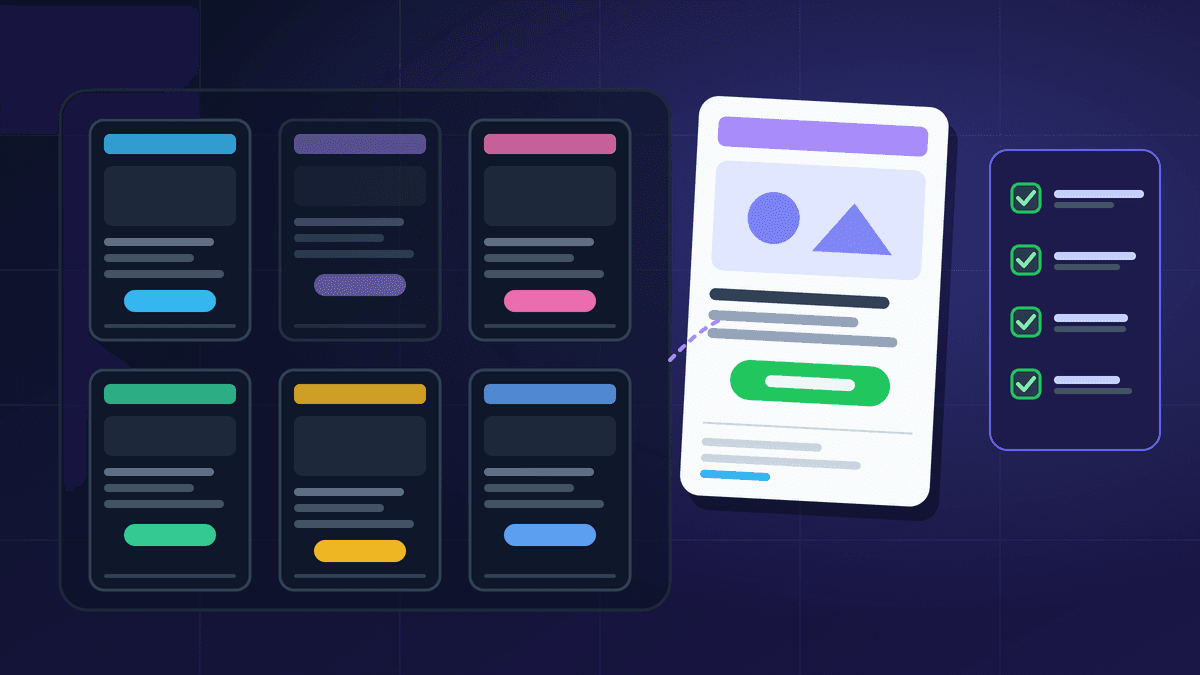
A good email campaign template is not a pretty design. It is a repeatable structure: a subject line and preview text that agree, one clear job for the email, a body built in a predictable order, a single main button and a footer that keeps you compliant. With that skeleton saved, a small team can produce each campaign faster, and every send is easier to compare with the last one.
This guide gives you six reusable structures that cover most small-business campaigns, block by block, plus the parts every template needs regardless of design. For seasonal copy, see our Diwali email campaign ideas; for the case for email itself, read why Indian businesses need email marketing.
What every template needs before you design anything
Every campaign uses the same building blocks in the same order. Get them right once and save them as your base layout.
- 1. From name and address. Use a name people recognise, and send from your own authenticated domain. Gmail and Yahoo both require the From domain to align with SPF or DKIM for bulk senders. Our DKIM, SPF and DMARC guide covers the setup.
- 2. Subject line. Say what is inside. The US CAN-SPAM Act says a subject line must accurately reflect the content of the message, and a misleading one also costs you trust with readers in every country.
- 3. Preview text. This is the short line shown next to the subject in the inbox. Mailchimp's help centre notes that if you do not set it, email clients pull in the first part of the message, which can be a "View in browser" link or code. Write it to extend the subject, not repeat it.
- 4. Header. Logo or brand name, kept small. Nobody opens an email to look at a banner.
- 5. One headline and one job. Decide the single action you want: read, book, buy or reply. Everything else supports that.
- 6. Body. Short paragraphs, a scannable list or two, and images that add meaning, each with alt text that describes it.
- 7. One primary button. Use a clear verb ("See the new range", "Book a slot"). Secondary links can sit lower down as plain text.
- 8. Footer. Your business name, a valid postal address, why the reader is getting this email and a visible unsubscribe link.
Keep the layout to a single column and a width between 600 and 800 pixels. Mailchimp's guidance on the limitations of HTML email explains that viewing panes are narrow and will cut off anything wider, and that background images, web fonts, forms and embedded video are not supported everywhere. A template that relies on those breaks quietly for part of your list.
Template 1: The single-offer promotion
Use it for a sale, a launch discount or a limited stock drop. It works because it asks for one thing.
- Subject: the offer plus the deadline, stated plainly.
- Preview text: the detail the subject could not fit, such as which products or who it is for.
- Hero block: one product or category image, one headline, one line of copy.
- Proof block: two or three short reasons to act: what is included, delivery time, return policy.
- Button: one call to action pointing to a landing page that matches the offer exactly.
- Small print: dates, exclusions and how the price works. Hidden conditions turn into complaints.
Common mistake: stacking four offers in one email. Each extra offer competes for the same click, so send separate emails to the segments that care about each one.
Template 2: The newsletter digest
Use it for a regular weekly or monthly update. Readers come back to a newsletter because it is predictable, so the structure should barely change between issues.
- Subject: the strongest item of this issue, not "Newsletter #14".
- Intro: two or three sentences in a human voice, signed by a real person.
- Main story: one item given the most space, with its own button.
- Three short items: a headline, one sentence and a text link each.
- Something useful: a tip, a short how-to or an answer to a customer question.
- Footer: the standard compliant footer, plus a link to manage preferences if you offer more than one list.
Keep the section order fixed so readers learn where things are, and drop a section rather than pad it.
Template 3: The announcement
Use it for a new service, changed opening hours, a price change, a new branch or a policy update.
- Subject: the news itself, in plain words.
- Headline: what changed.
- Three short blocks: what it is, who it affects and what the reader needs to do, if anything.
- Date block: when it happens.
- Button: "Read the details" or "See what's new".
- Contact line: how to ask a question, with a reply address that a person actually reads.
For price and policy changes, give dates and never bury the change under marketing copy.
Template 4: The educational how-to
Use it to build trust between promotions.
- Subject: the problem it solves, for example "How to store silk sarees so the zari doesn't tarnish".
- Intro: one sentence on why it matters.
- Numbered steps: three to seven, each short enough to read on a phone.
- One image or diagram: only if it clarifies a step.
- Soft link: a related product or service, mentioned once, near the end.
- Button: "Read the full guide" if the long version lives on your site.
If half the email is selling, readers stop treating it as advice.
Template 5: The event or webinar invitation
Use it for workshops, store events or live demos.
- Subject: the event name, the date and who it is for.
- Key facts block: date, time with time zone, place or link, duration and cost.
- What you will get: three bullet points of outcomes, not an agenda dump.
- Speaker or host: one line, and a photo if it helps.
- Button: "Save my seat". Send the calendar details after registration.
- Follow-ups: a reminder the day before, then a recap with the recording or notes.
Always write the time with its time zone. If you serve customers in India and the Gulf, give both.
Template 6: The feedback or review request
Use it after a purchase, a project or a support conversation.
- Subject: a direct question, such as "How was your order?".
- Body: two sentences. Thank them and ask one question.
- Button: a single link to a short form or review page.
- Promise: say what you do with the answers.
Ask once, and send one reminder at most. This template sits close to a transactional message, so read our guide on transactional vs marketing email before you add promotions to it. Adding an offer usually makes it a marketing email.
The compliant footer, in plain terms
This block goes into every marketing template you save, so build it once and lock it.
- A visible unsubscribe link in the body. Google's email sender guidelines say marketing and subscribed messages must include a clearly visible unsubscribe link. Senders of more than 5,000 messages a day to Gmail must also support one-click unsubscribe through the List-Unsubscribe headers, the method described in RFC 8058.
- Honour unsubscribes quickly. Yahoo's sender best practices ask senders to honour unsubscribes within two days. The FTC's CAN-SPAM guide sets a legal outer limit of 10 business days for US recipients. Aim for the faster one.
- Your postal address. CAN-SPAM requires a valid physical postal address in commercial email. It is a sensible habit for every audience.
- Why they are receiving it. One line, such as "You're getting this because you signed up at our store".
The footer also protects your deliverability. Gmail and Yahoo both ask bulk senders to keep the spam rate below 0.3%, and when unsubscribing is hard, people press "Report spam" instead. Our spam rate send-pause checklist explains what to do if that number climbs.
Test every template before it goes live
A template is only reusable once it has been tested. Run this list each time you change the layout:
- Send a test to Gmail, Outlook and Apple Mail accounts, on both phone and desktop.
- Turn images off and check that the email still makes sense, with alt text visible.
- Click every link, including the unsubscribe link and the main button.
- Read the preview text in the inbox, not just in the editor.
- Check that the footer address and sender name are correct.
- Look at where it lands. Our Gmail Promotions tab guide explains why landing in a tab is normal and not a deliverability failure.
Then change one thing at a time. If you want to know whether a shorter hero block or a different button label works better, follow the method in our A/B testing guide rather than redesigning the whole template at once. For subject line ideas, see subject lines that get opened.
Build a small template library, not a big one
Most small businesses need four to six saved templates, not forty. A practical starting set:
- One promotion template
- One newsletter template
- One announcement template
- One plain, text-led template for personal notes and feedback requests
- Your automated flows, kept separate, such as a welcome email series and a re-engagement campaign
Name them clearly (for example "Promo - single offer - v3") and retire templates nobody uses.
Where BestEmail fits
BestEmail's campaign features include a drag-and-drop editor, a template library with reusable layouts, festival and seasonal starting points, rich text and HTML editing, and draft, test-send and scheduling controls. Basic templates are included on every plan, and custom templates come with the Growth plan and above, as listed on the pricing page. The structures above work in any tool: save them once, test them once and reuse them every week.
FAQ
What should an email campaign template include?
A From name, an honest subject line, written preview text, a small header, one headline, a short body, one main button and a footer with your business name, postal address, the reason the reader is subscribed and a visible unsubscribe link.
Is it better to use plain text or designed templates?
Use both. Designed templates suit promotions and newsletters. A plain, text-led layout suits feedback requests and personal notes, where it reads like a message from a person.
Sources
- Google Workspace Admin Help: Email sender guidelines
- Yahoo Sender Hub: Sender Best Practices
- US Federal Trade Commission: CAN-SPAM Act: A Compliance Guide for Business
- IETF: RFC 8058, Signaling One-Click Functionality for List Email Headers
- Mailchimp Help: About Preview Text
- Mailchimp Help: Limitations of HTML Email