
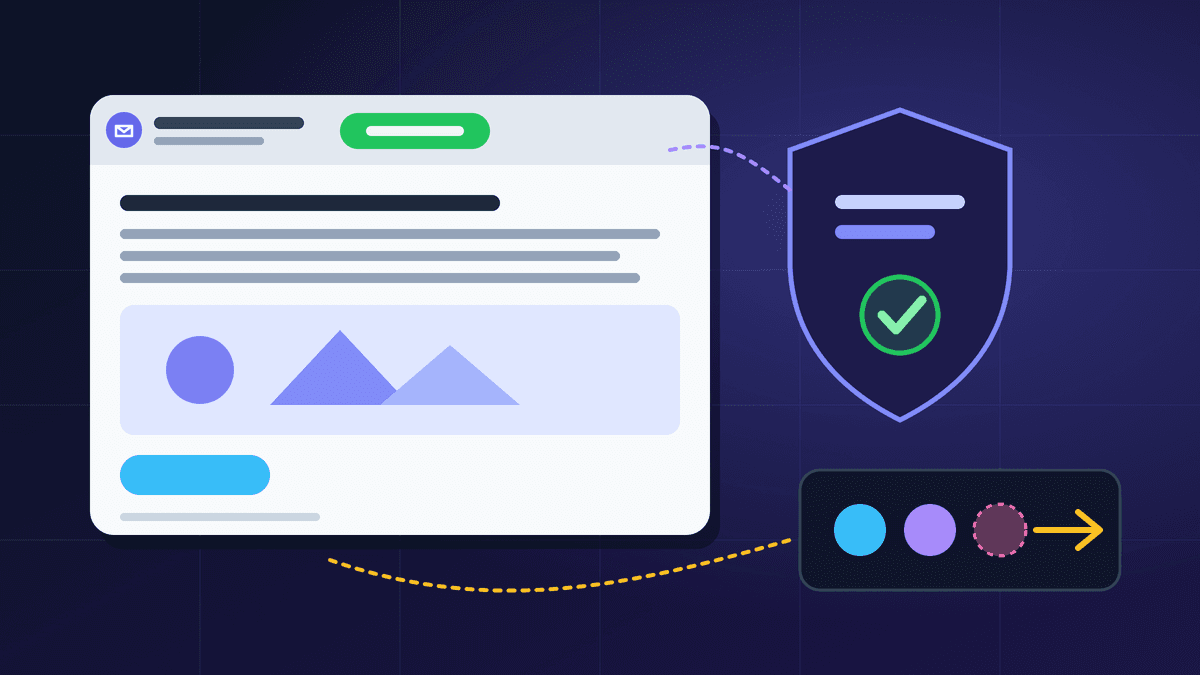
One-click unsubscribe is the pair of headers that lets Gmail and Yahoo show an "Unsubscribe" button next to your sender name, and for bulk senders it is now a requirement rather than a nice extra. If your marketing email does not carry a valid List-Unsubscribe header and a matching List-Unsubscribe-Post header, you are making it harder to leave than to hit the spam button, and the spam button is the one that hurts you.
This guide explains what the two headers are, what Gmail and Yahoo say they expect, how the one-click request actually works, and a short checklist for testing it on your own mail. It is written for small teams that send newsletters, offers or lifecycle emails and want the technical part explained in plain English.
What the two headers do
A List-Unsubscribe header is an instruction to the mailbox provider, not text for the reader. It lives in the message's hidden header block and contains one or more addresses where an unsubscribe request can be sent. It was defined long ago in RFC 2369 and can hold a web address (a link in angle brackets starting with https) and a mailto address.
The newer List-Unsubscribe-Post header comes from RFC 8058, "Signaling One-Click Functionality for List Email Headers". It tells the provider that the web address in List-Unsubscribe accepts a single automatic POST request. With both headers present, the provider can unsubscribe the reader in one tap, without opening a web page or asking them to type their address.
In the raw source of a message, the first header holds your https address (and optionally a mailto address), and the second header holds the fixed text List-Unsubscribe=One-Click.
The visible unsubscribe link in your footer is still needed. The headers sit alongside it, they do not replace it.
What Gmail and Yahoo expect from bulk senders
Both providers publish sender requirements, and they line up closely.
- Gmail. Google's email sender guidelines say that if you send more than 5,000 messages a day, your marketing and subscribed messages must support one-click unsubscribe. Google's instructions are to include both headers, List-Unsubscribe-Post with the value List-Unsubscribe=One-Click and List-Unsubscribe with an https address. The guidelines also ask for a clearly visible unsubscribe link in the message body.
- Yahoo. Yahoo's Sender Hub lists "Support easy unsubscribe" among its best practices: a functioning list-unsubscribe header that supports one-click unsubscribe for marketing and subscribed messages, with the POST method (RFC 8058) highly recommended and the mailto method acceptable, a clearly visible unsubscribe link in the body, and unsubscribes honoured within 2 days.
Two details are easy to miss. First, the rule is about marketing and subscribed messages. Password resets, receipts and similar transactional mail are a different category, which is why it pays to keep the two streams separate, as we explain in transactional vs marketing email. Second, the 5,000-a-day figure is Google's definition of a bulk sender, but small senders still benefit: a visible, working unsubscribe option is the easiest way to keep complaints low.
Requirements change, so read the current pages before you plan around any threshold. Links are in the sources section below.
How the one-click request works
Understanding the mechanics helps when something fails.
- 1. Your sending system adds a List-Unsubscribe address to the message. That address must identify both the recipient and the list, because RFC 8058 says one-click gives the receiving server no way to ask who is leaving.
- 2. The mailbox provider shows its own unsubscribe control. When the reader taps it, the provider sends an HTTPS POST to your address with the body List-Unsubscribe=One-Click.
- 3. Your server removes that recipient from that list and answers with a success status. There is no login, no cookie and no confirmation page, because the RFC says the request must not carry cookies or other context.
- 4. You stop sending marketing email to that address. Yahoo's stated window is 2 days, but there is no reason to wait: suppress immediately.
RFC 8058 also requires the message to carry a valid DKIM signature that covers at least the List-Unsubscribe and List-Unsubscribe-Post headers. If the signature does not cover them, the receiver should not offer one-click. This is the part many teams miss. The headers can be present in the raw message and still be ignored because they are not in the signed header list. If you are still setting up authentication, start with our SPF and DKIM guide.
Common ways one-click unsubscribe goes wrong
Most failures are small configuration mistakes, and each one has a simple check.
- Only one of the two headers. List-Unsubscribe alone gives a mailto or link option in some clients, but not the one-tap button. Add List-Unsubscribe-Post as well.
- A web address that is not https. The RFC requires one https address in the List-Unsubscribe header. A plain http address, or a mailto-only header, will not qualify for one-click.
- An address that needs a login or a click. The endpoint has to act on the POST by itself. If it redirects to a preference page and waits for the reader, the automatic request will not unsubscribe anyone. A preference page is fine as the link in the body, not as the one-click endpoint.
- A generic address with no recipient identifier. An address like /unsubscribe tells your server nothing. Use an opaque, hard-to-guess token so the request cannot be forged and still finds the right subscriber.
- Headers not signed. Check the h= tag of the DKIM-Signature header and make sure both header names appear in it.
- Slow or failing endpoint. If your server times out or returns an error, the provider may show the button but the reader stays subscribed, and complains instead.
- Suppression that does not stick. The unsubscribed address must be excluded from the next send and from every automation that sends marketing email.
A short test you can run today
You do not need special tools. Send a real campaign to a Gmail address you control and a Yahoo address if you have one, then work through this list.
- 1. In Gmail, open the message, choose "Show original" and confirm both headers are present and spelled exactly as above.
- 2. In the same view, check that DKIM shows as passing for your sending domain, and look at the signed headers in the DKIM-Signature line.
- 3. Confirm that Gmail shows an Unsubscribe link next to the sender name. It may take a few sends to appear for a new domain, so treat a missing button as a prompt to check the headers, not as proof that they are wrong.
- 4. Use the unsubscribe control, then check your subscriber list: the address should be marked unsubscribed within minutes.
- 5. Send the next campaign to the same list and confirm the address is not included.
- 6. Look at your spam-complaint rate in Google Postmaster Tools over the next few weeks. Our Postmaster Tools checklist shows what to read, and the spam rate send-pause checklist says when to stop a send.
Why this protects your inbox placement
When people cannot find a quick way out, some click "Report spam" instead. Gmail's guidance for bulk senders asks you to keep your spam rate low, and a visible unsubscribe path is the cheapest control you have over it. Complaints from people who no longer want your mail are far worse for your reputation than a few extra unsubscribes, and an unsubscribe costs you a contact who was not going to buy anyway.
It also helps to unsubscribe people politely before they get there. A clear promise at signup (see our guide to email signup form design) and a gentle re-engagement campaign for quiet subscribers both reduce the number of people who reach for the spam button. If your mail already lands in the wrong place, our article on why emails go to the Gmail spam folder covers the wider picture.
Where BestEmail fits
BestEmail's features include unsubscribe and suppression handling and bounce and unsubscribe monitoring, so people who opt out are kept out of later sends. For the transactional API, the documentation describes an optional headers field that accepts List-Unsubscribe and List-Unsubscribe-Post (with up to three https or mailto entries, and one-click requiring an https entry). Both headers are included in the DKIM signature, and any other header name is rejected with an error. That is useful when you send list-style mail through the API from your own application and need to supply your own unsubscribe address. Whatever tool you use, run the test above on your own domain rather than assuming it works.
FAQ
Do I need one-click unsubscribe if I send fewer than 5,000 emails a day?
Google's one-click requirement is written for senders above that volume, and Yahoo's best practices apply to bulk senders in general. Smaller senders are not exempt from the underlying idea: every marketing email needs a clear, working way to opt out. Adding the headers costs little and gives readers the easy route.
Is a mailto unsubscribe address enough?
Yahoo describes the mailto method as acceptable, but recommends the POST method. Gmail's instructions call for the https address and the List-Unsubscribe-Post header. For the best coverage, include both an https address and a mailto address, plus the Post header.
Does one-click unsubscribe apply to receipts and password resets?
The provider requirements talk about marketing and subscribed messages. Strictly transactional mail, such as a receipt the customer asked for, is treated differently. Keep those messages free of promotional content so that they stay in that category.
Will adding an unsubscribe button reduce my list size?
Probably a little, because people who were never going to engage will now leave quietly. Your engagement rates should improve and your complaint rate should fall, which helps the mail you send to everyone else.
How quickly must I process an unsubscribe?
Yahoo states 2 days. Treat that as the outer limit and suppress the address immediately when the request arrives.